QUICK ACCESS · DEVICE GUIDE
Keep Accent handy
Keep a convenient shortcut to Accent Home Improvements for project guides, service details, and the contact form. Browser menus differ by device; use the steps that match yours.
Before you begin
Open this site in your device’s main browser. If you arrived through Facebook, a text-message preview, or another app’s built-in browser, choose “Open in browser” first. Installing this site creates a convenient way to return; it does not place an estimate request or change your phone settings.
APPLE
iPhone & iPad
- Open the site in Safari.
- Tap the Share button in Safari’s toolbar.
- Scroll to Add to Home Screen.
- Review the name and tap Add.
If the menu item is missing, confirm you are in Safari and that the site is open as a regular web page.
ANDROID
Android phones
- Open the site in Chrome.
- Tap the three-dot menu.
- Choose Install app or Add to Home screen if offered.
- Confirm the prompt and find the new icon on your home screen.
The label depends on browser support and the site’s installability. A shortcut may open in a browser tab.
Desktop shortcut
In a supported desktop browser, look for an install icon near the address bar or a related option in the browser menu. If no install choice appears, bookmark the site with your browser instead. The available behavior varies by browser and operating system.
Questions about the shortcut
Will the site work without internet?
Do not rely on offline access. Project pages, forms, and current contact information require a connection unless offline behavior has been separately tested and enabled.
How do I remove the shortcut?
Remove the icon as you would another home-screen shortcut or app on your device. That does not delete anything from Accent’s website.
Why do I see “Add to Home screen” instead of “Install app”?
Browsers use different labels, and full app installation depends on technical requirements. The shortcut still gives you a quick route back to the site.
Need an estimate instead?
Use the contact form or call Eastbank 504-888-4733 / Westbank 504-341-8178. Include your project type and location so the team can identify the next step.
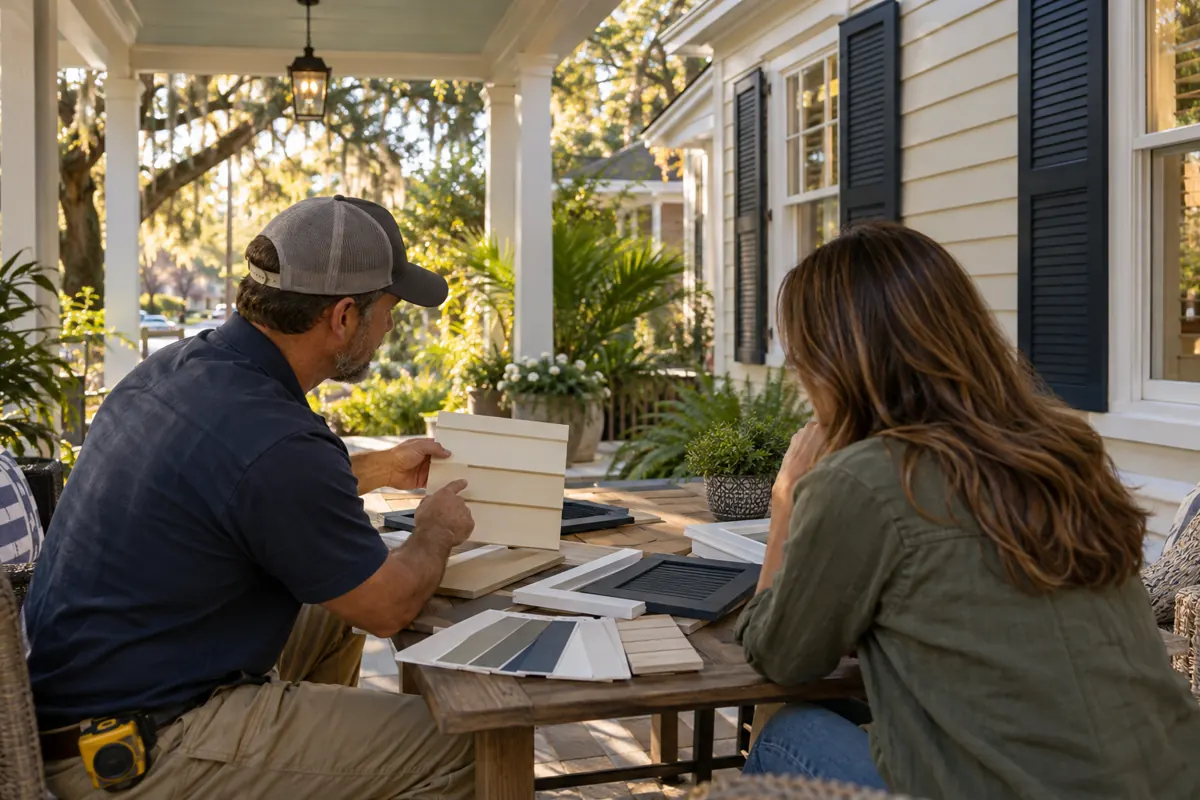
Images help explain the appearance you have in mind. Confirm the products, application and included work for your own property. Use photos of your own property to describe the work you need.
Good questions. Clear answers.
A little clarity before you decide.
Open a question for a straightforward answer. For advice about your own home, tell us what you want to change and where the property is.
Prefer a conversation?
Eastbank 504-888-4733
Westbank 504-341-8178
